Little Sprout
Little Sprout: Our Journey
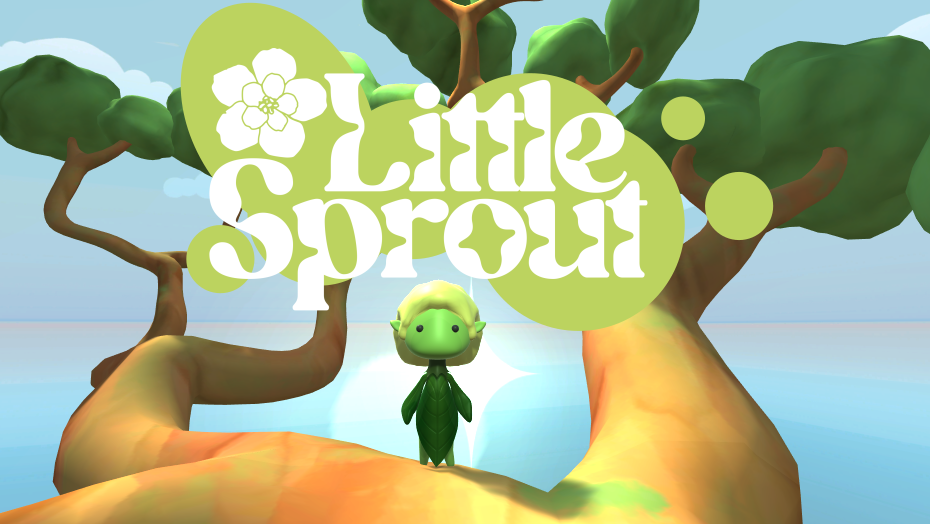
Little Sprout is a puzzle platformer game we created for 10–12-year-old players, set in a forest environment with a strong focus on accessibility. Designed for the Xbox Adaptive Controller, the game uses only two large buttons, making it simple and inclusive. This project was completed by 14 people over three weeks as part of a game development sprint at FutureGames.
Our inspiration came from the feeling of being lost in the woods and the adventure of climbing trees. During the first three days, we had inspirational lectures about accessibility and designing for kids, and we also learned Perforce for version control. Everyone shared their ideas on Miro, commented on each other’s concepts, and eventually narrowed them down to three options. The team voted, and we chose this idea because it allowed for a manageable workload across all disciplines.
Since the controller only had two buttons, we designed the character to walk automatically and change direction when hitting walls. The camera rotates as the player turns corners, revealing the next part of the tree and making it clear where the puzzle ends. To keep things simple, we avoided clutter, made interactable objects stand out, and ensured movement didn’t require precision.
By the second week, we had the movement, multiple levels, animations, and some assets ready for testing. We were lucky to see kids play the game in a museum (Tekniska museet) and used their feedback to make the levels easier to navigate. In the third week, we polished the game by adding intro and outro animations, more art assets, an improved menu, and music made by one of our artists.
My contributions to Little Sprout!
I’ve worked on mostly 3 things The “vines/platforms”, The collectibles and high score system, and the UI within the main menu.
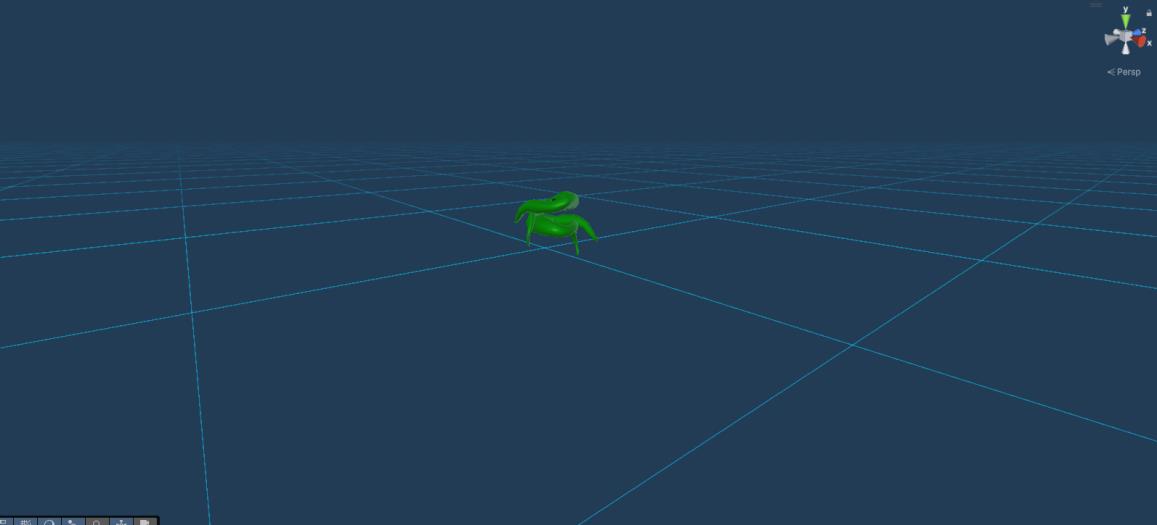
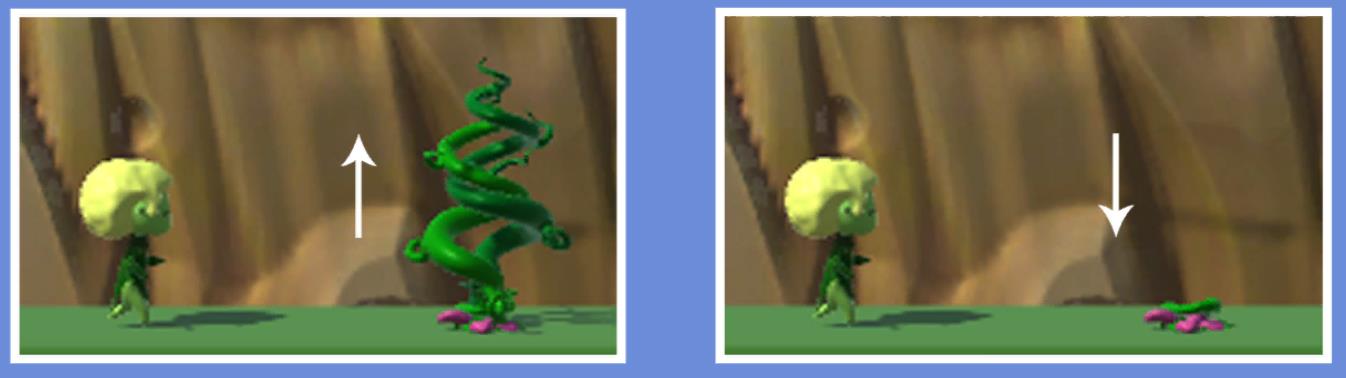
The Vines, I will provide images below. The vines are “toggleable” and made to “grow” and retract, they act as a wall that blocks the player from going in that direction or as a platform the player can move on. The issue here was that the player sometimes would get stuck on the edge of a platform/vine and it took a little help from the other team members to solve it!
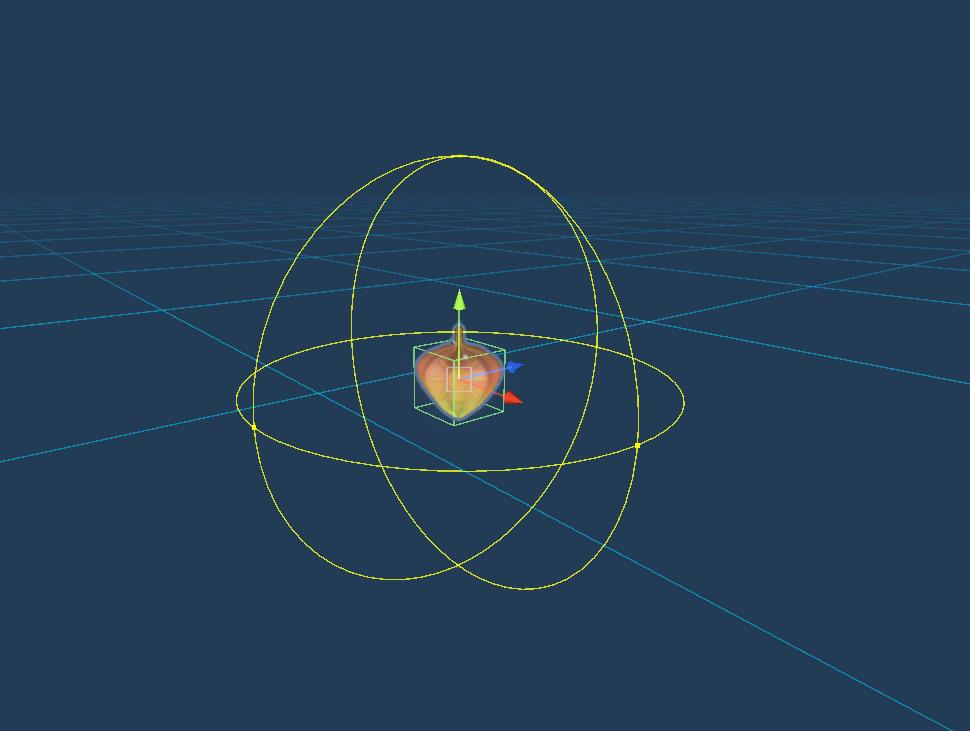
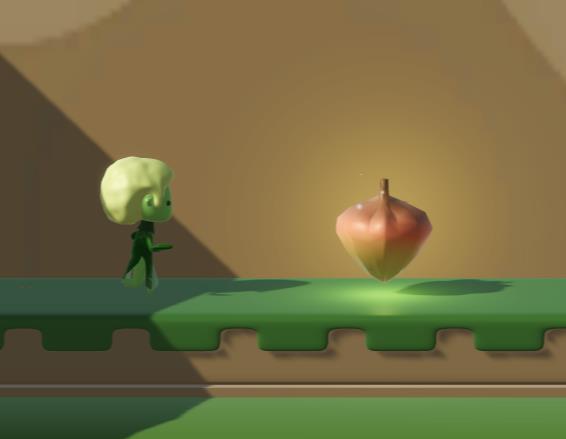
The collectible item. The item is meant to be seen as a fun high score thing to collect while exploring the game! They will be collected upon collision with the player and will update a UI element meant as a high score. When collecting a small particle effect plays. The challenge with this was to make it look nice and where it felt like something to collect, but with help from the artists and designers it was easily solved!

The UI. The UI was from the beginning meant to be very easy to understand with minimal buttons/choices to meet the target audience well and not cause any difficulties and confusion. I made sure that the UI was easy to navigate with the choice of a maximum amount of 3 buttons on each “page” and a nicely explained tutorial on how to navigate it using images.
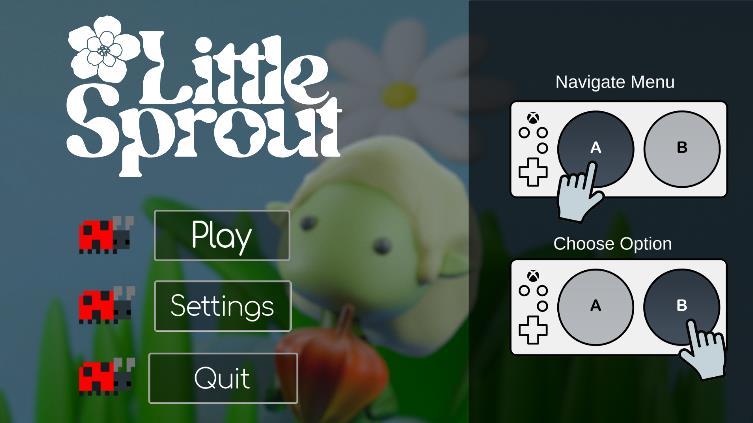
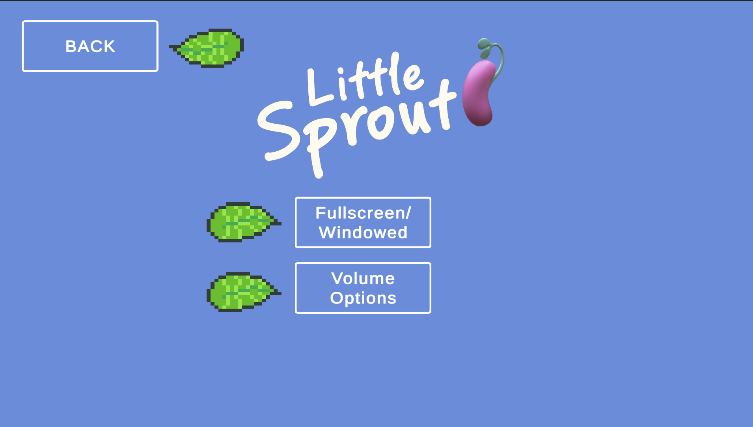
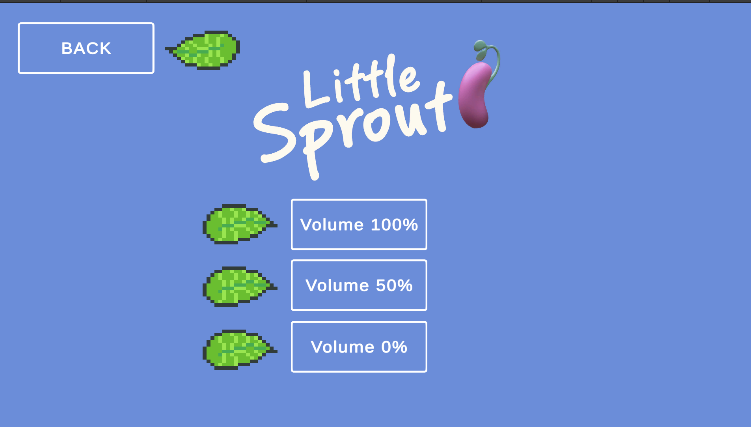
The challenge with this definitely was the accessibility controller. It seemed to be very sensitive with the input. A few people from the team helped to try and solve this but it was indeed very tricky. It was somewhat solved but still not perfect.
I also helped anybody that needed assistance with anything and tried to provide the best help i can. Me and the other programmers also had many discussions about my code/their code and made sure to help each other as much as we could.
-Jamie
Here are some Little Sprout images!
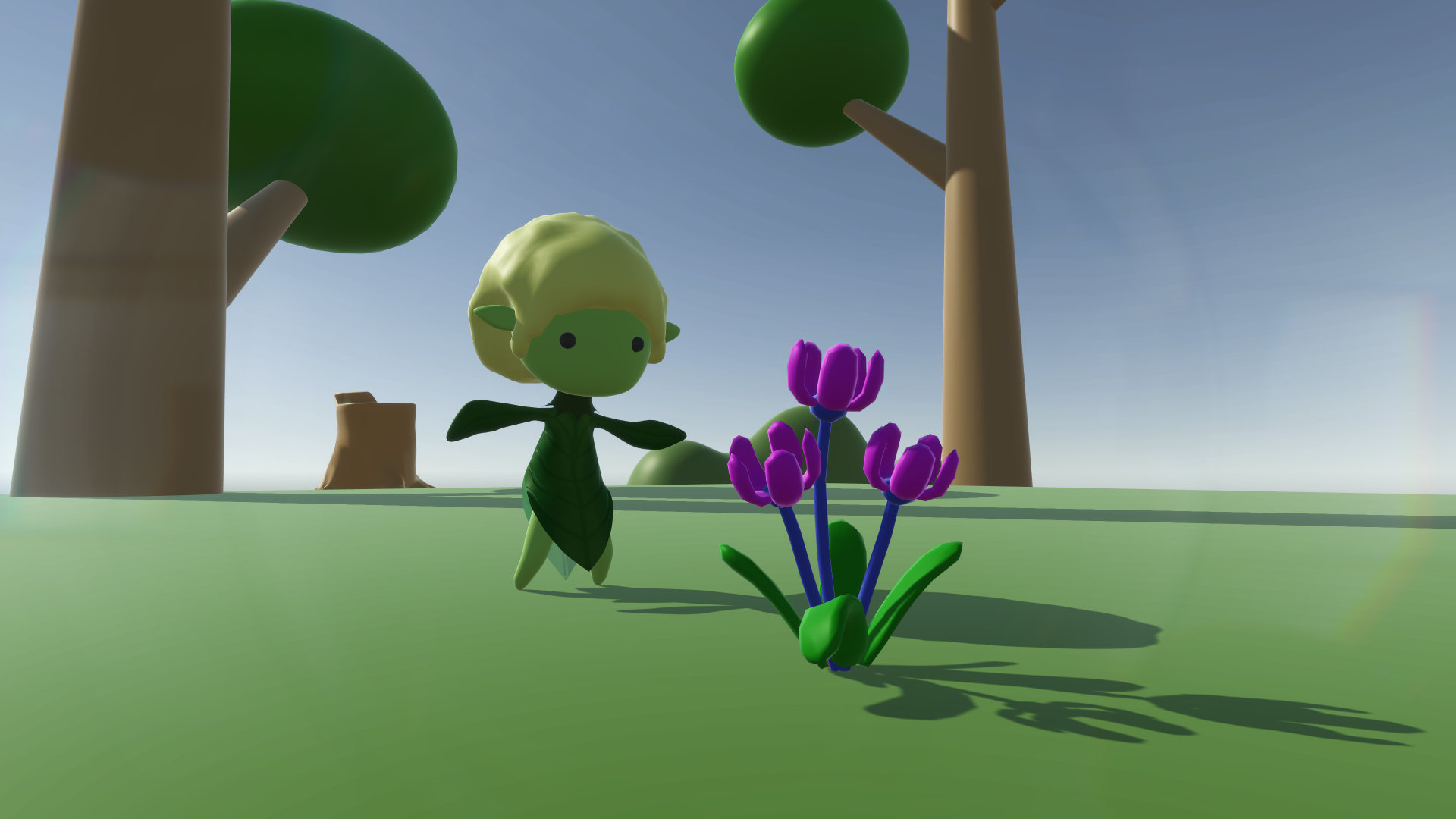
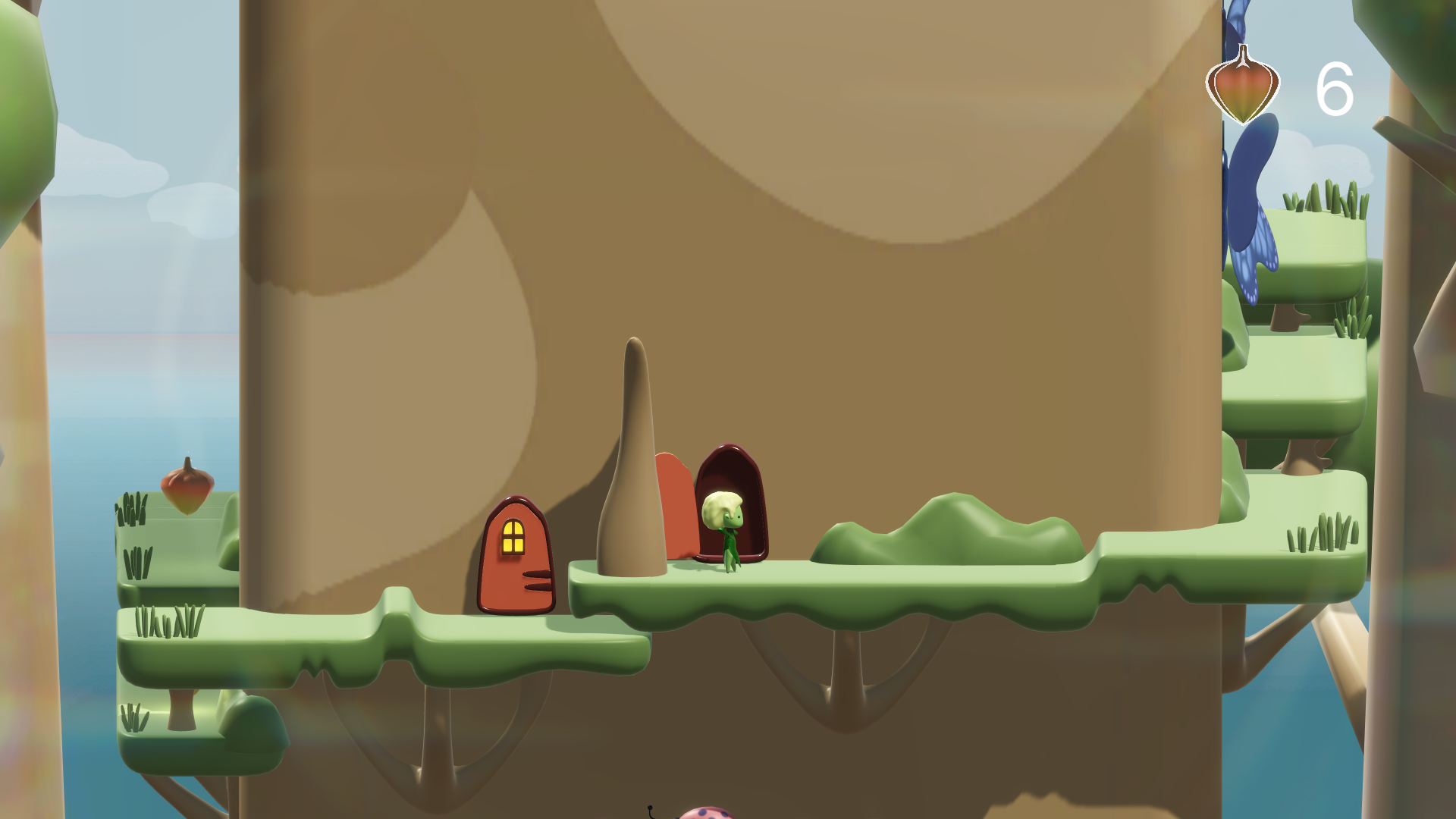
Check out Little Sprout here: Little Sprout on Itch