Thornbound
My contributions to Thornbound!
During the development of Thornbound/GP3, I was a programmer and tasked to create a major feature of the game, the interactive system. This enables the player to interact with things such as doors, statue pedestals/pillars and paper notes as well as picking up items such as healing items, ammo items, and of course the statues the player needs to progress through the game.
My first thought was to make a system where the player has to go close to the desired item, then the player should need to look at or towards the item, of course be in a specific range to the item to enable the pickup, then a small indicator/widget shows that the player can pick up this item, then the player should be able to simply press E to interact with the item and pick it up.
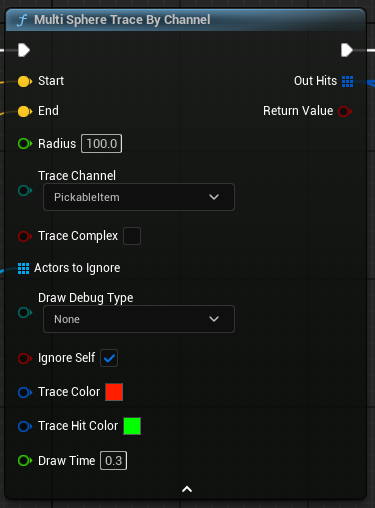
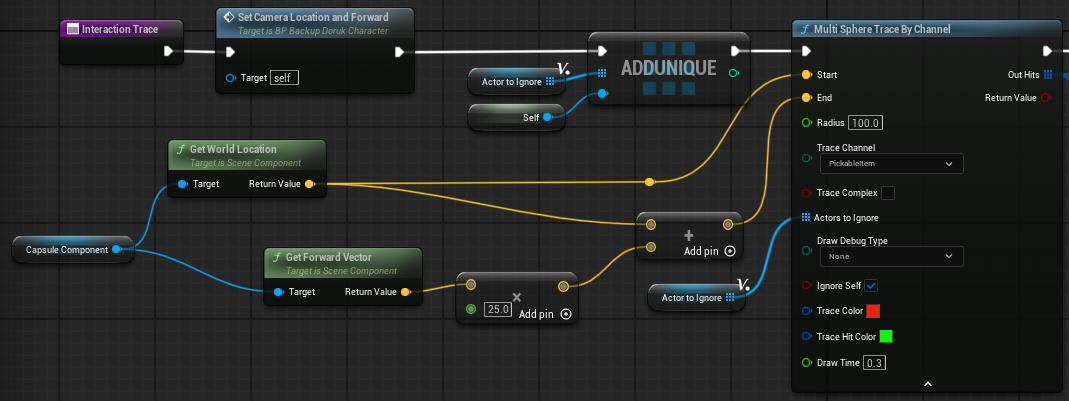
When we started the project, I wasn’t sure how to easily create this and have it work nicely with our game, I watched a YouTube tutorial abut how to achieve this and followed it, this made it, so the player had to look at the item to pick it up if the player did not look at or towards the item, it would not be possible to pick up. This worked with a Multi Sphere Trace by channel node inside a function on the player blueprint.
I attached the camera attached to the player to this Trace for the ”looking at item” logic to work.
When I was finished with this and when it kind of worked, the designers thought it wasn’t going to fit super well in our game with the player needing to look at the item, so I had to completely redo the system.
What I ended up doing was to still make it work with a trace on the player but change it from the camera to the actual player mesh, but I also added that the player needs to enter a sphere that had specific collision settings on the item in order for the interaction to work, this made it possible to pick up items without the need to look at or towards items.
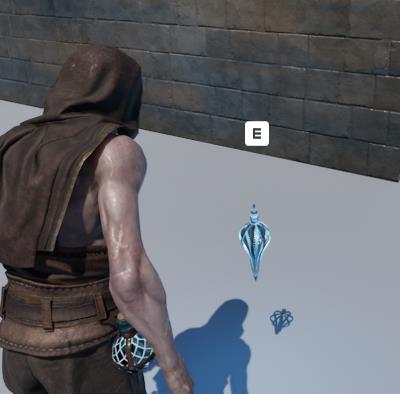
A little more about the items; First, I made a BP_MasterItem that all items should be children to. On the MasterItem there is all logic for showing the “E” interaction widget when The player enters the sphere on the item, there is also the logic for hiding the widget again when the player leaves the sphere. When the “E” shows (CanInteract is true) the MasterItem now also enables the player to actually pick up the item.
When creating an item that should be able to be picked up it is important to make it a child to the MasterItem in order for the interaction to actually work, it is also necessary to give the item a sphere which has specific collision settings.
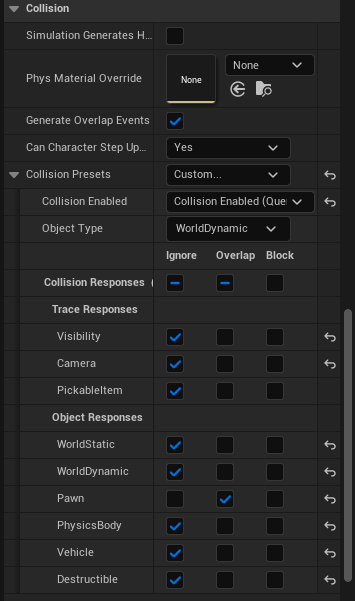
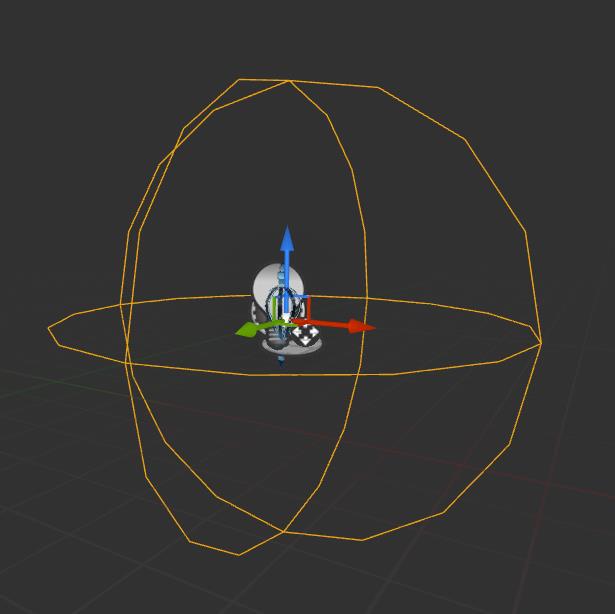
What this does is that the interact only works when ONLY the player is overlapping with the item. Another thing that was important was that these settings were applied to the StaticMesh on the item for the trace to be able to find it and overlap with it, also making it able to be picked up.
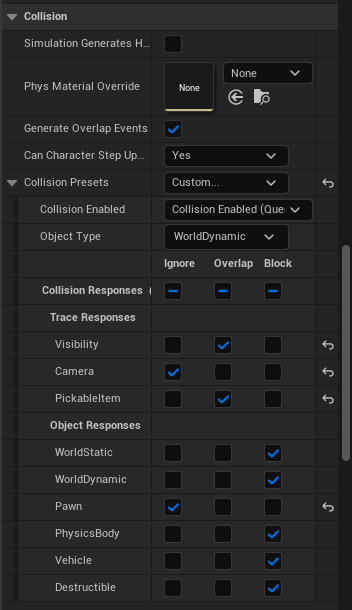
On the trace node, I chose that it should only look for the PickableItem channel. I did this because there was an issue with other pawns triggering the Trace to enable interaction with the item even though the player was nowhere near the item. This is what the blueprint item looks like, This will play the pickup animation, pick up the item and finally store it in our inventory that my teammate worked on!

After changing the whole system to this, some issues came up where the player could not pick up the item at all, some of these issues were caused by the enemy constantly changing and triggering the interact sphere, (this also caused a lot of performance issues due to the trace colliding and overlapping with the enemy very many times), another issue came up where the item’s collision was changed and thus the interaction not working anymore, after all of this and me working a lot to tweak the interact system to work great and not have high performance it worked nicely and how we wanted.
I also made it possible for us to have a pause menu, I started working on it, made it work very simple, then my teammate finished it and made it work much better and look much better.
In-depth retrospective and what I learned and want to do better;
Reflecting on the interactive system I made now after the project is finished, I learned a lot about Unreal Engine and how things work in that engine, I learned a lot about blueprints And worked with them mainly. I had little to no experience with Unreal Engine coming into this Game Project 3, and I am thankful for my team and the people who helped me while making the interact system work nicely.
There was a lot I could’ve done better and things I should have avoided. First of all, I should have not followed a tutorial on YouTube on how to set things up and follow it exactly, this caused a lot of back and forth with the system and took a lot of time to get it to actually work how we wanted and remove the “looking at item” functionality since that is what the system was based on from the video I followed.
If I had to remake this system, I would of course not have followed a tutorial video and make it work better with the trace considering what things we have in game so when those things have to change for example the collision, my whole system doesn’t stop working suddenly, since that takes a lot of time to solve or just move the logic to entirely OnComponentBeginOverlap.
When reflecting our work within the group I am very happy and pleased on how we did, I feel like this has been the best team I worked with and everyone was very kind, helpful and very dedicated. If I had to redo this project, it would only work with this team!!
We in the team used Jira and Miro to organize and plan everything, which worked smooth and nicely in my opinion!
When the team planned out the presentation for the Jury day, we kept in mind to include something from every team member and quickly mention what they made. We felt like this was very important to show off everyone’s hard work.
-Jamie
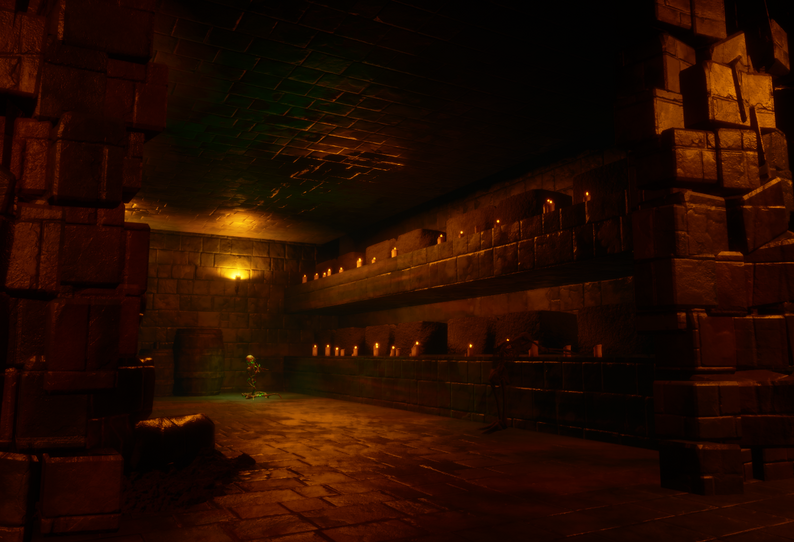
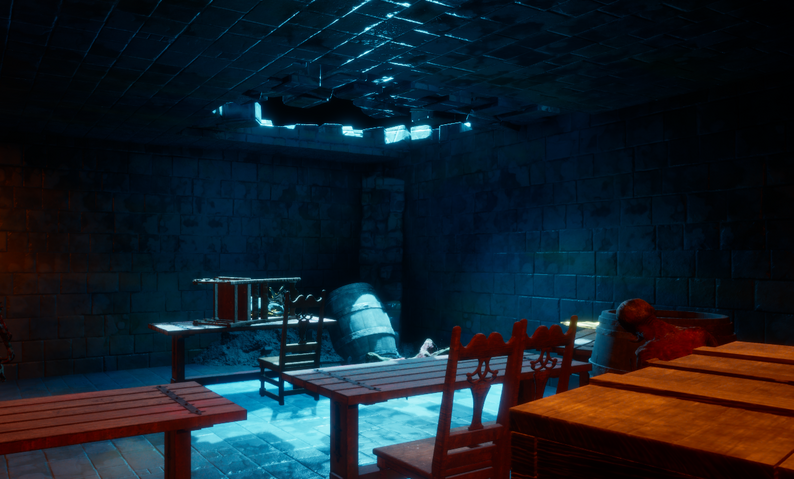
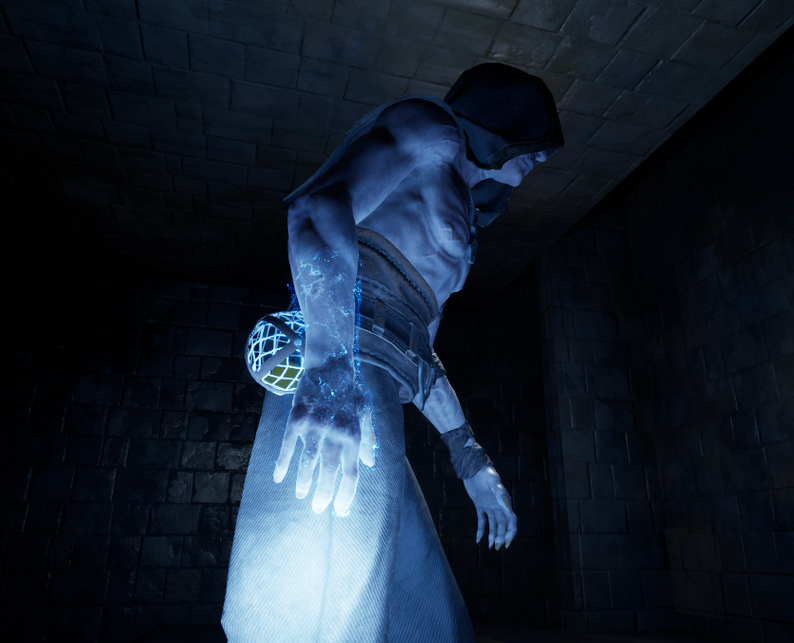
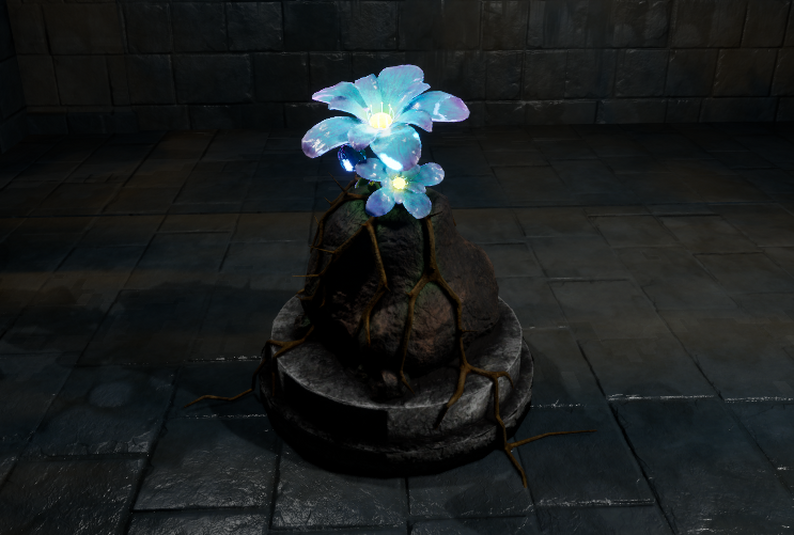
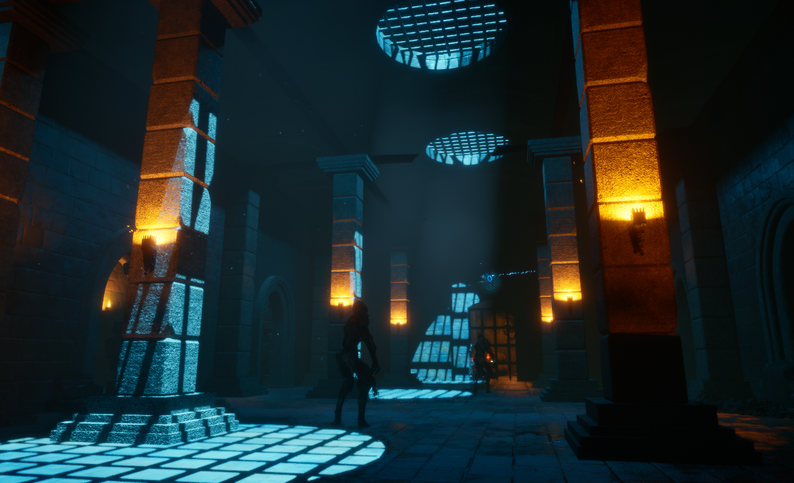
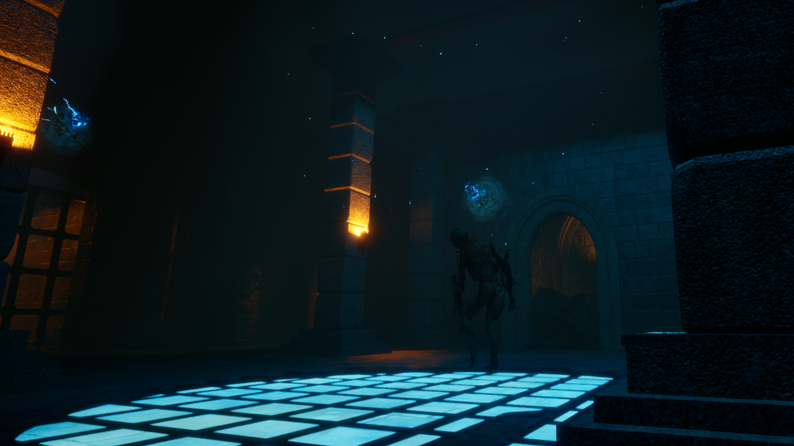
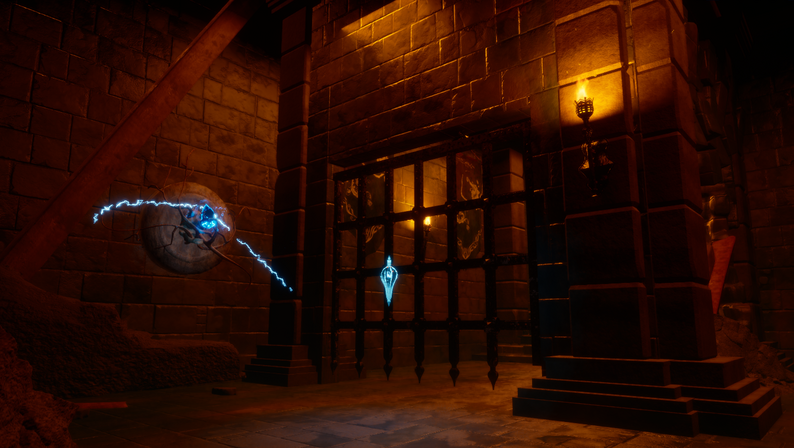
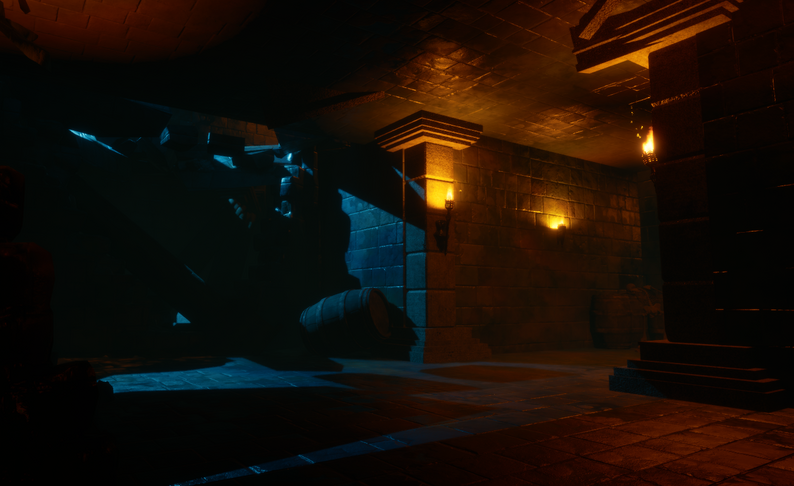
Here are some Thornbound Images!
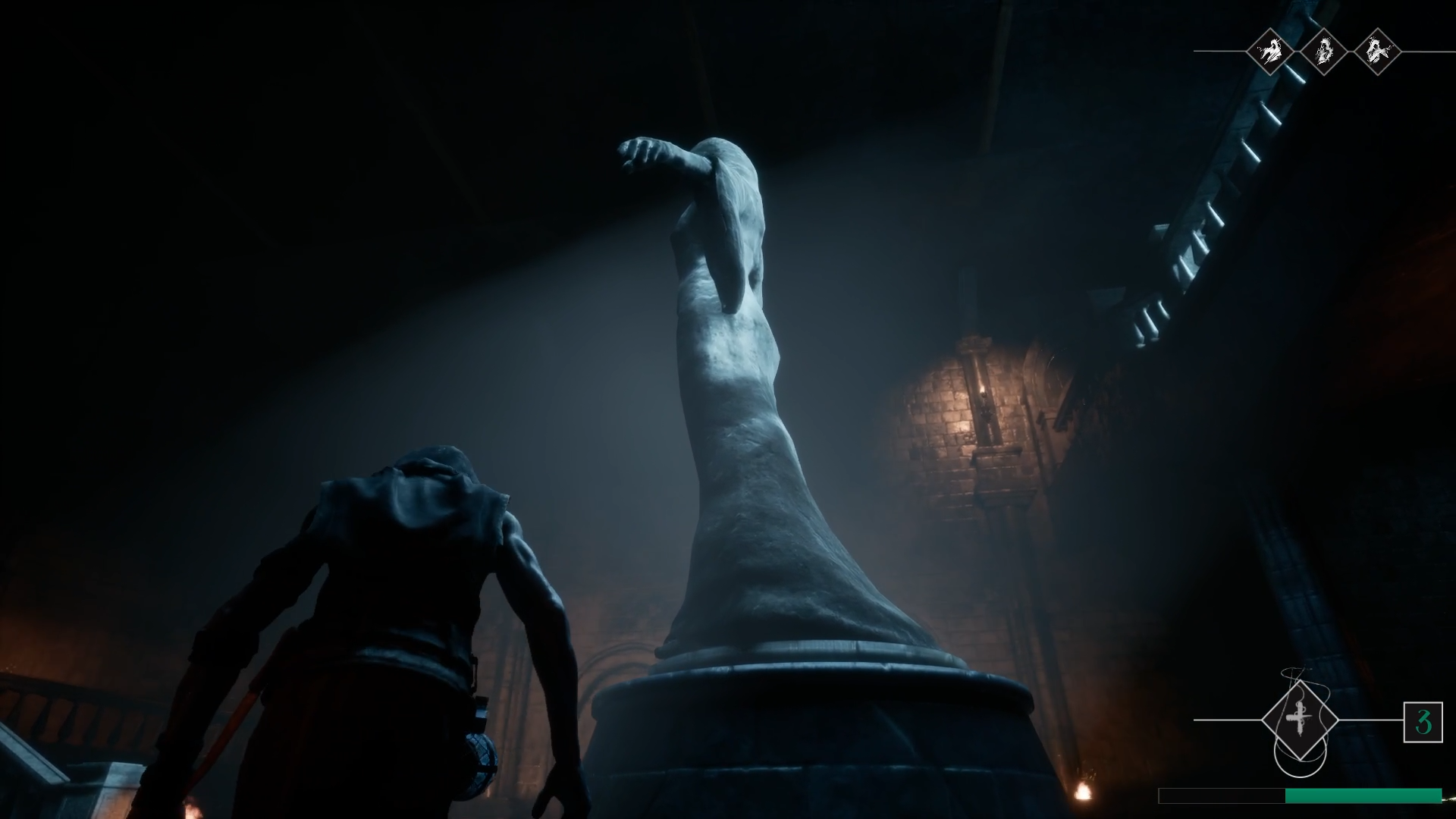
Check out Thornbound here: Thornbound on Itch